Self-hosted IPMI dashboard
One dashboard for every BMC in your rack.
ipmideck talks to your servers over IPMI and replaces ipmitool gymnastics and dated vendor web UIs with a single, modern, self-hosted dashboard.
docker run --network host devluigi06/ipmideck:latestpip install ipmideck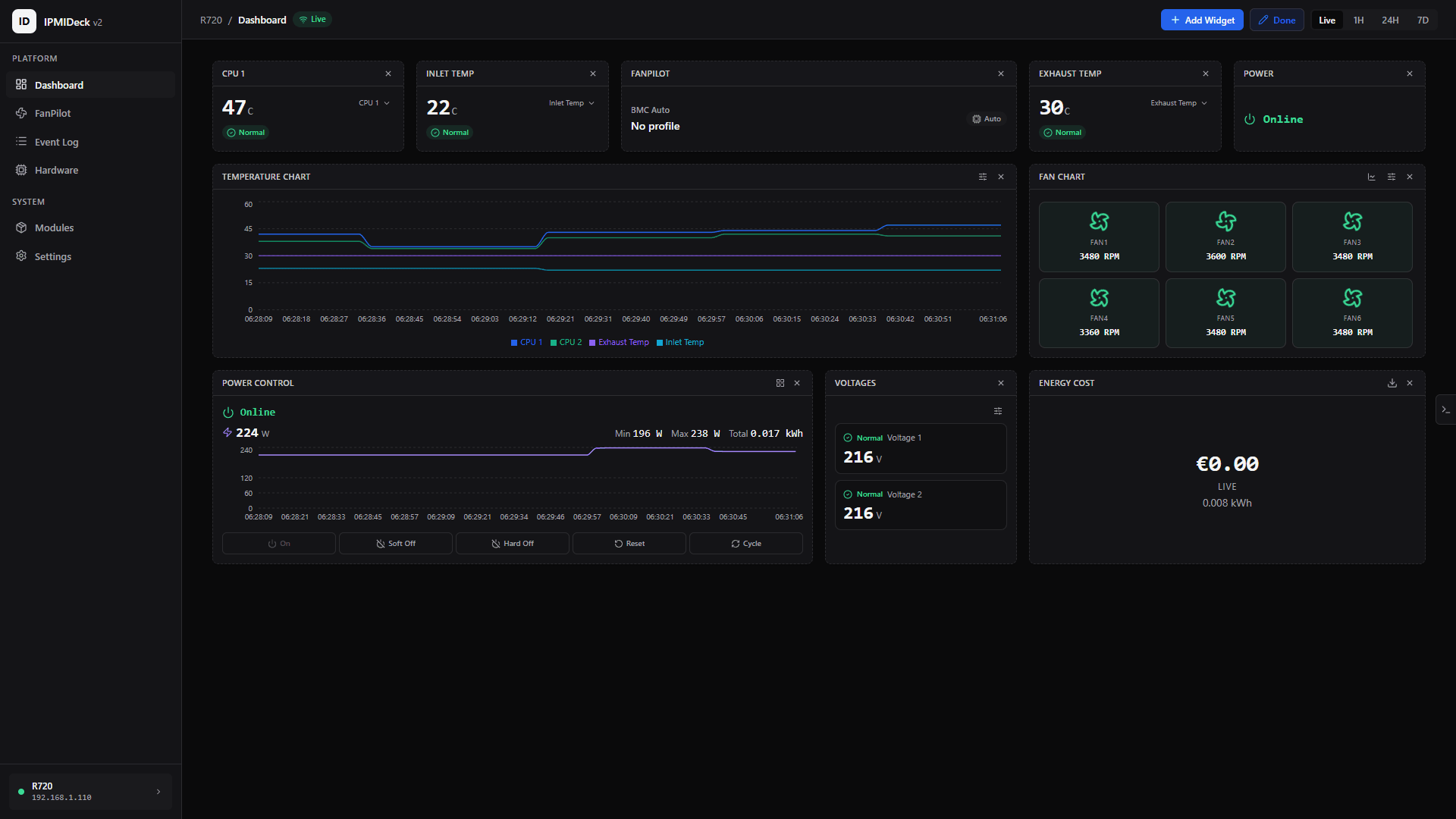
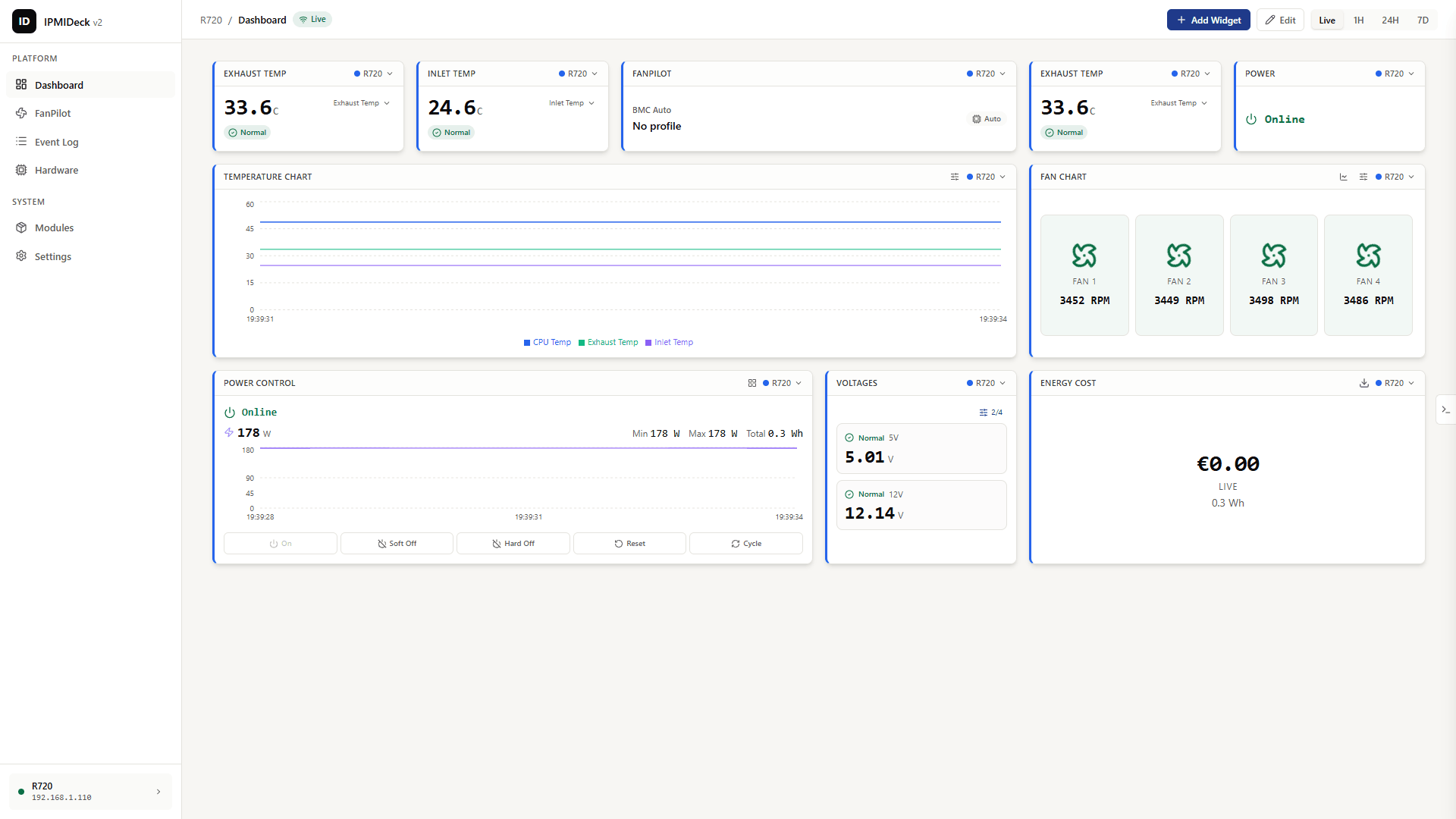
From a single-server script to a real dashboard.
ipmideck started as a one-box bash GUI for fan control. Scroll to watch it become the modern, multi-server dashboard it is today.
What it does
Everything your servers expose, in one clear place.
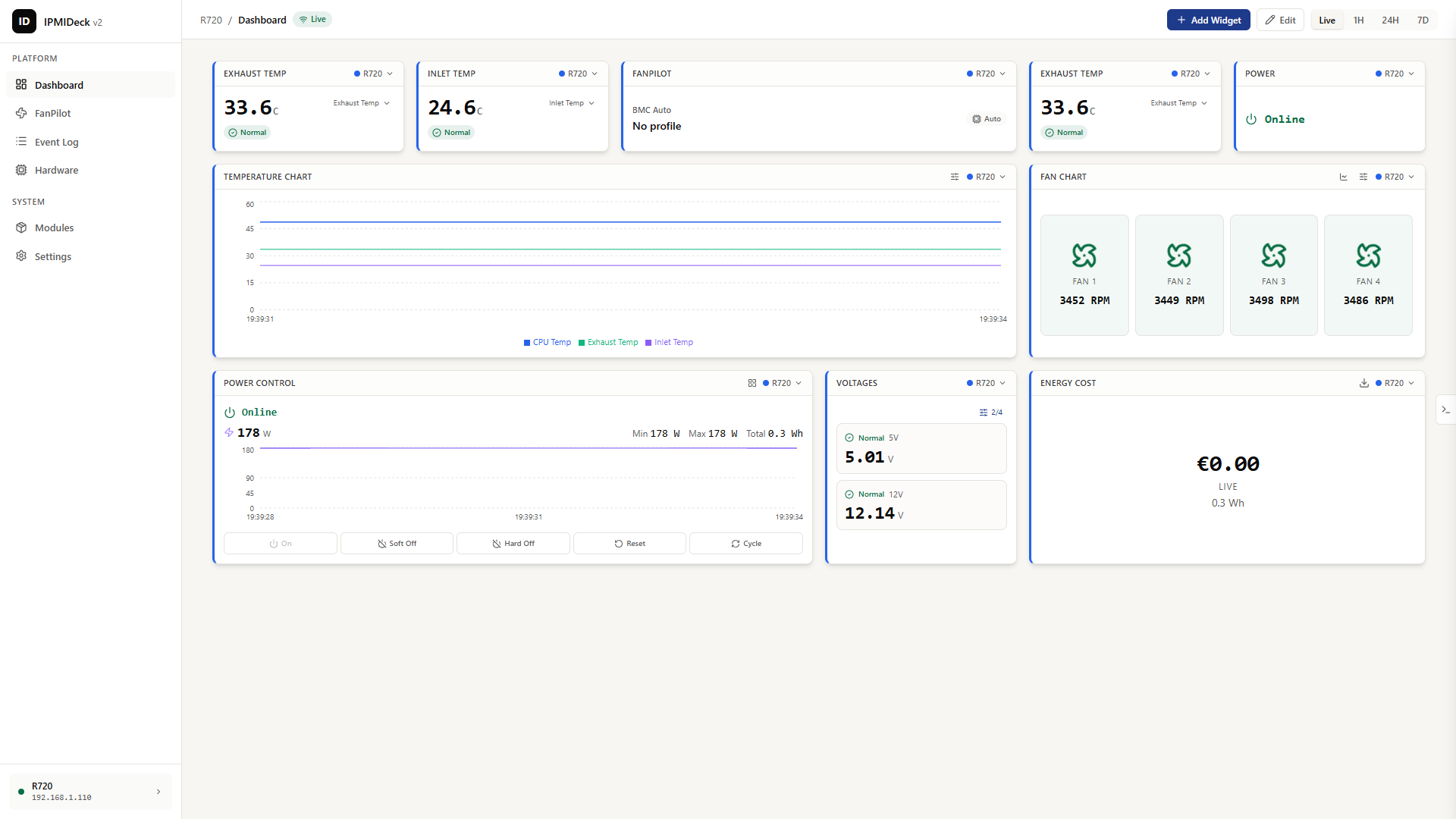
Sensor monitoring
See every degree, live.
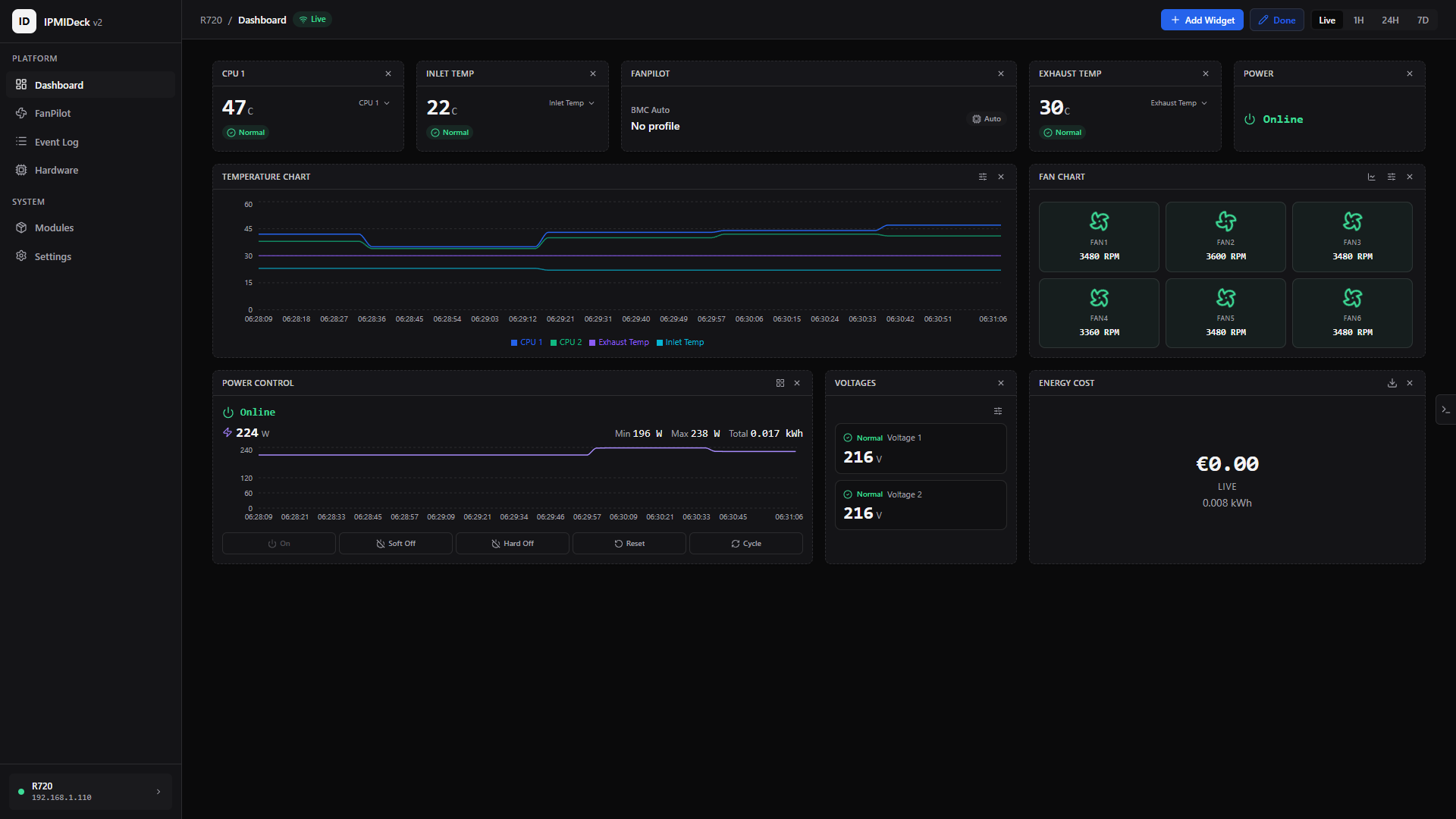
Live temperatures, fan RPM, voltage and power draw with history charts and alert thresholds.
FanPilot fan-curve control
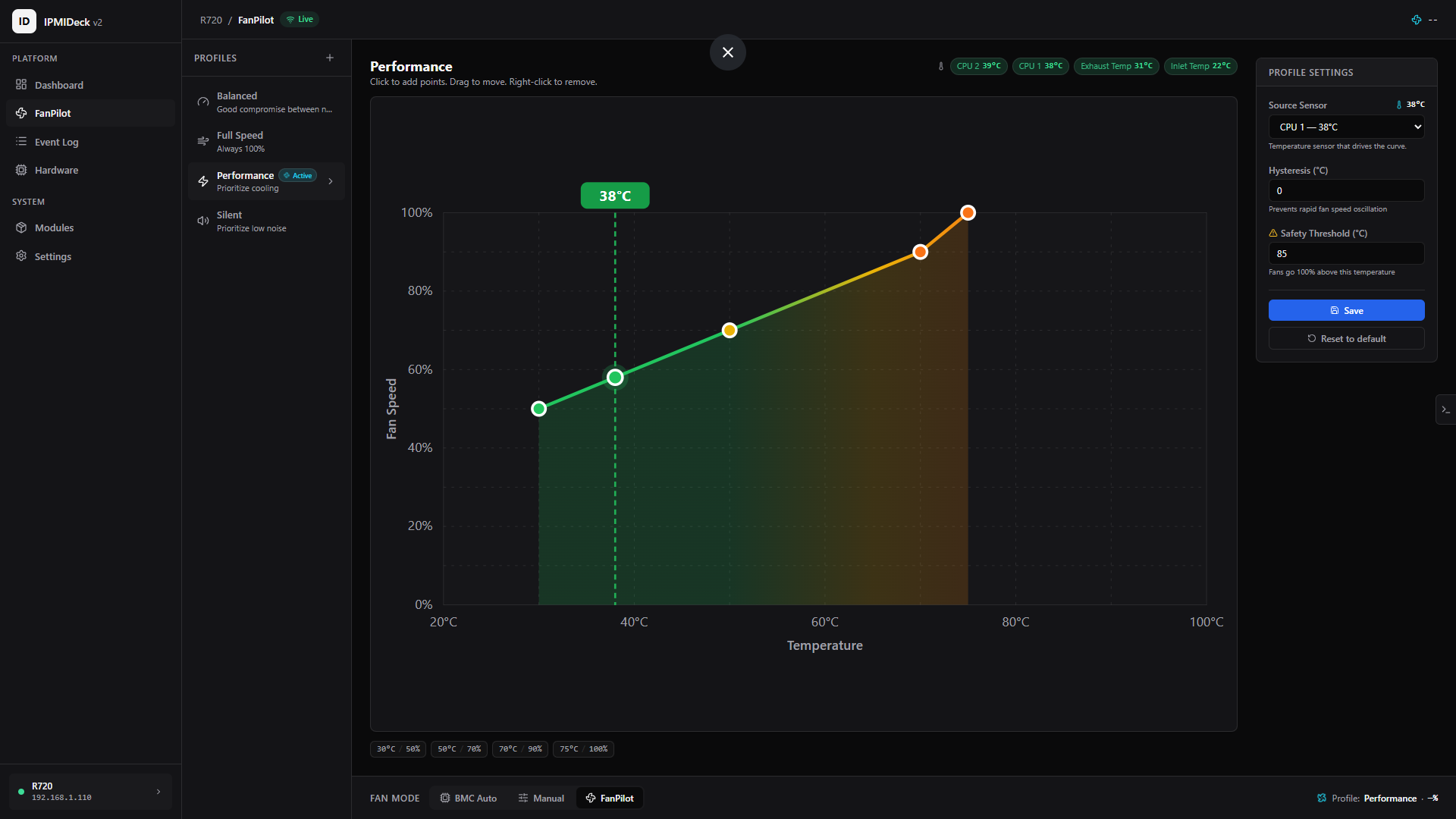
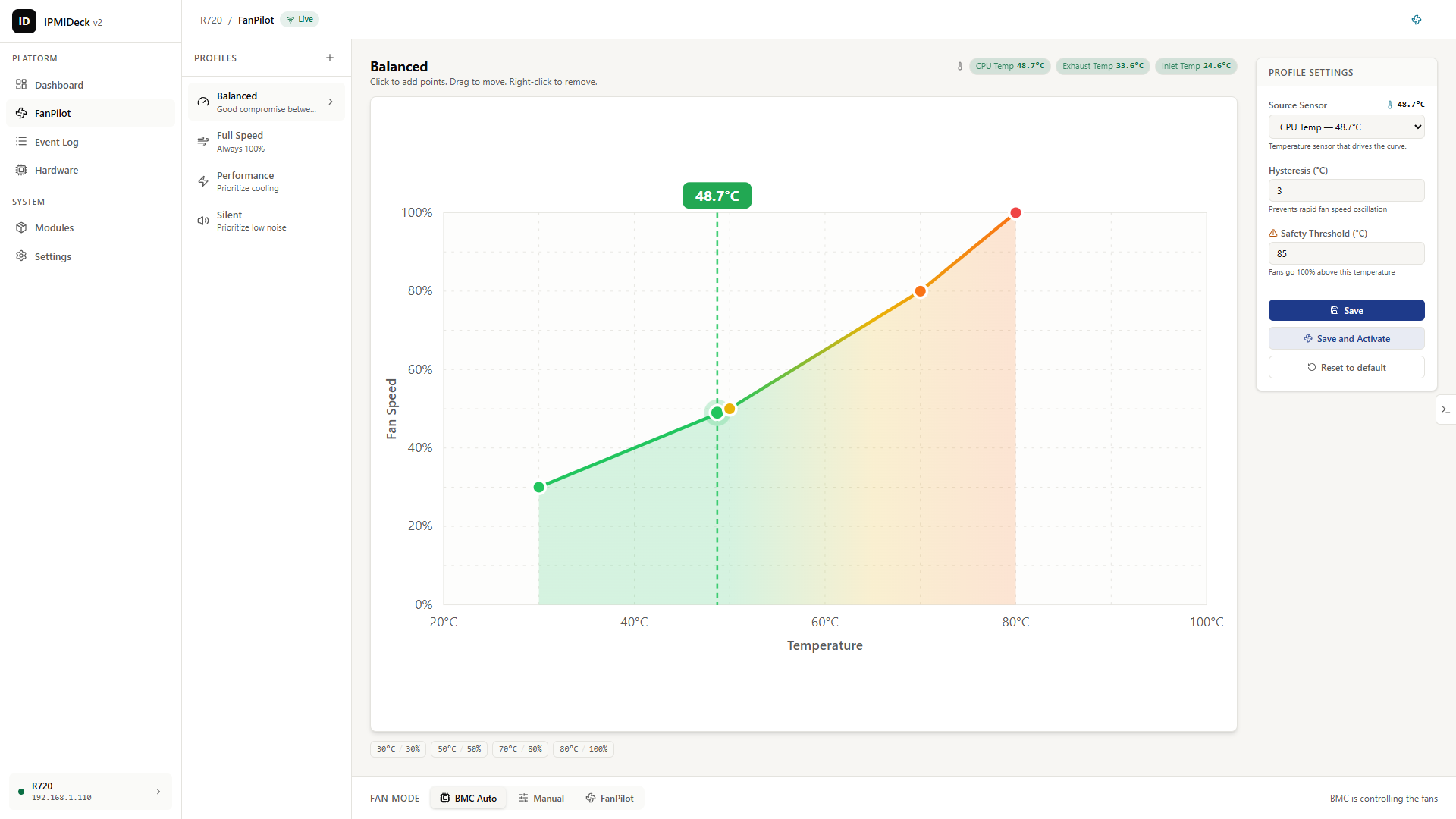
Silence or muscle. You decide.
A visual fan-curve editor with Silent, Balanced and Performance profiles, hysteresis, and a safety override that forces 100% above critical temp.
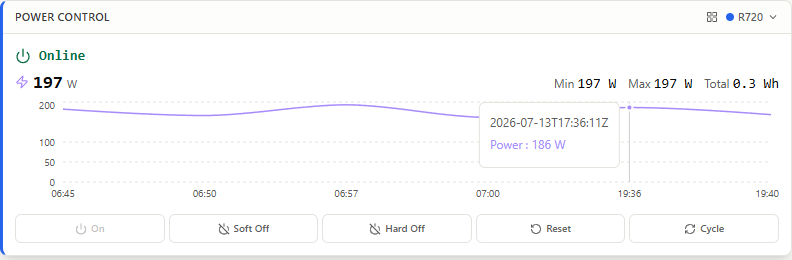
Power control
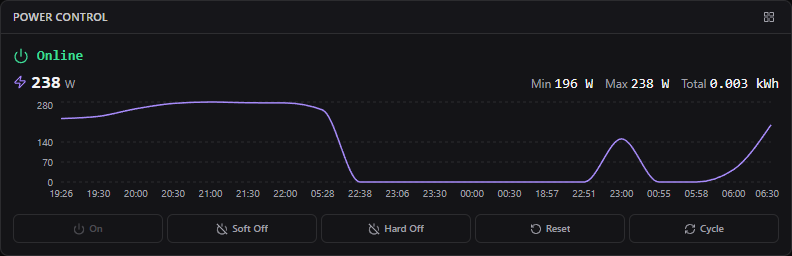
Power, with a paper trail.
On, Soft Off, Hard Off, Reset and Cycle, with status, confirmations and an audit log of every action.
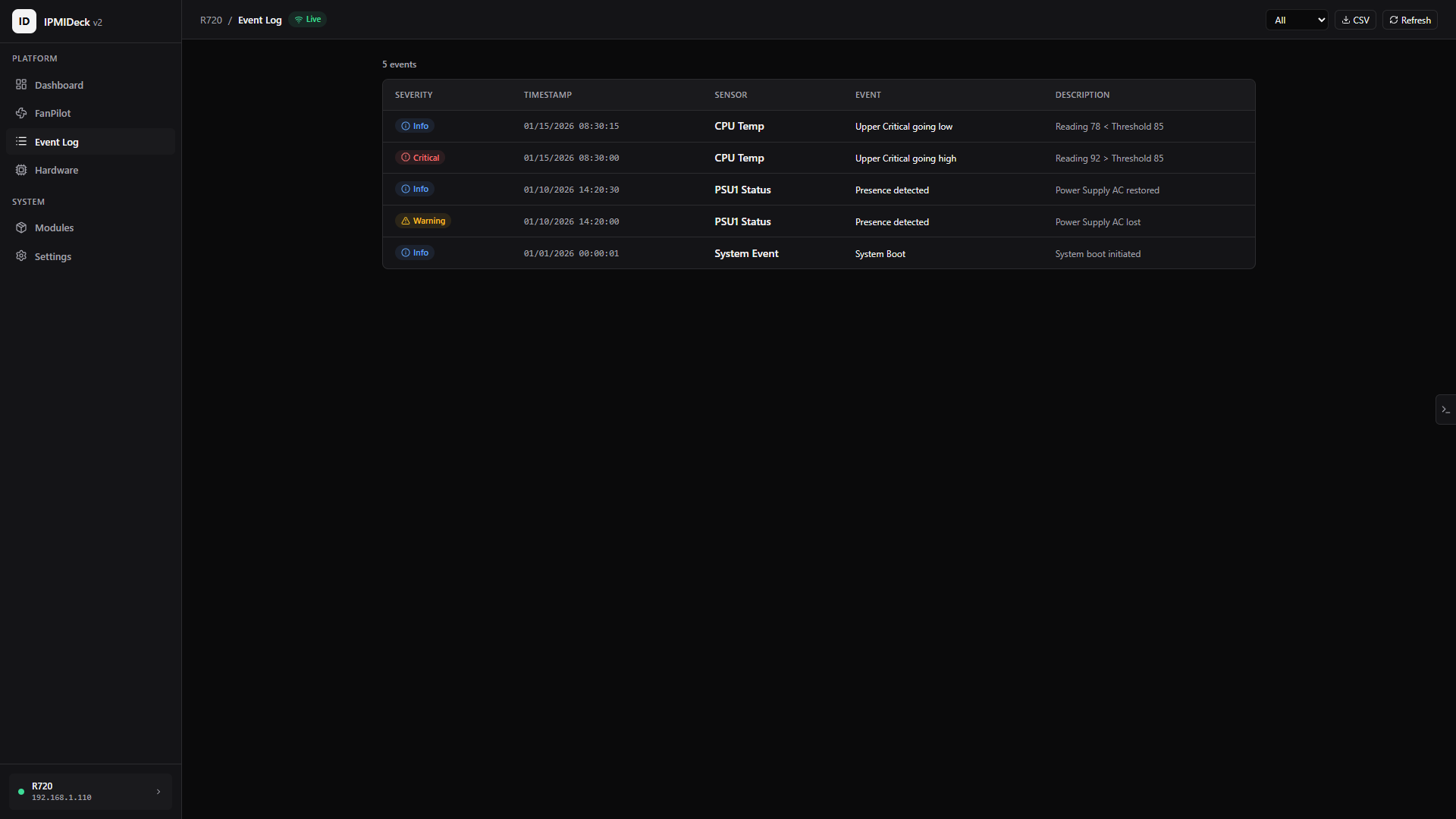
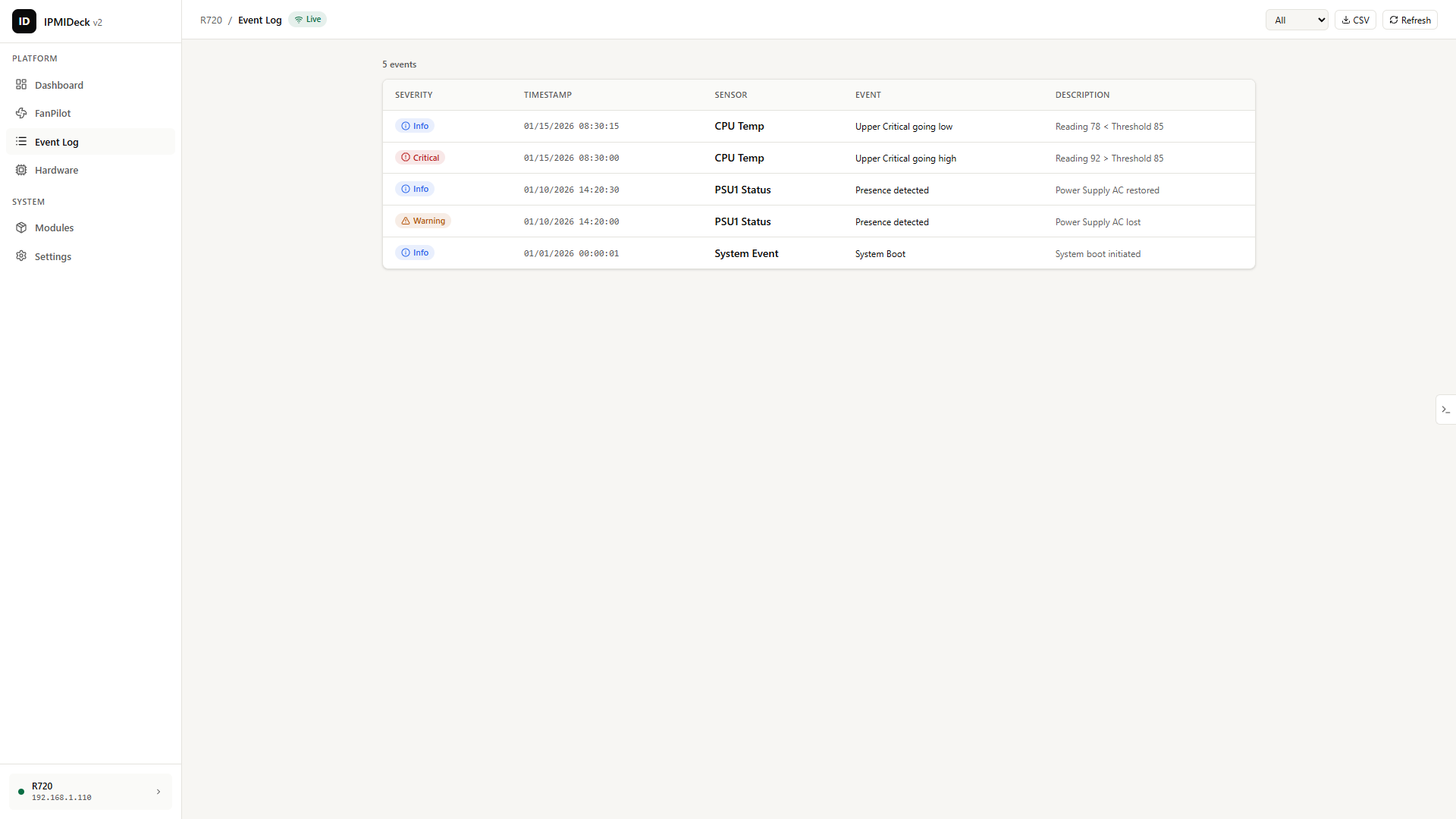
System Event Log
Every event, searchable.
Read the SEL with severity filters, search and date ranges, then export to CSV or JSON.
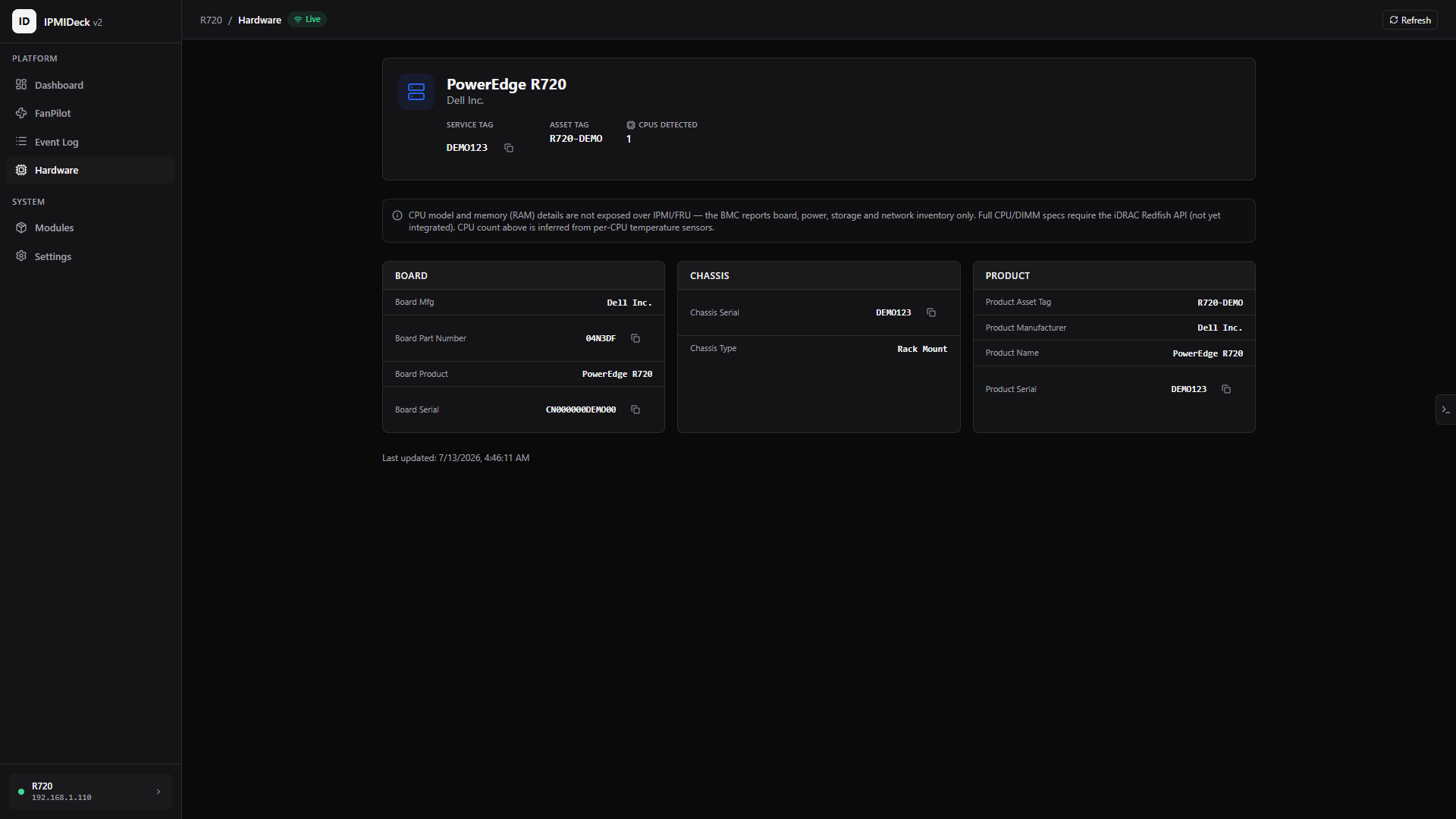
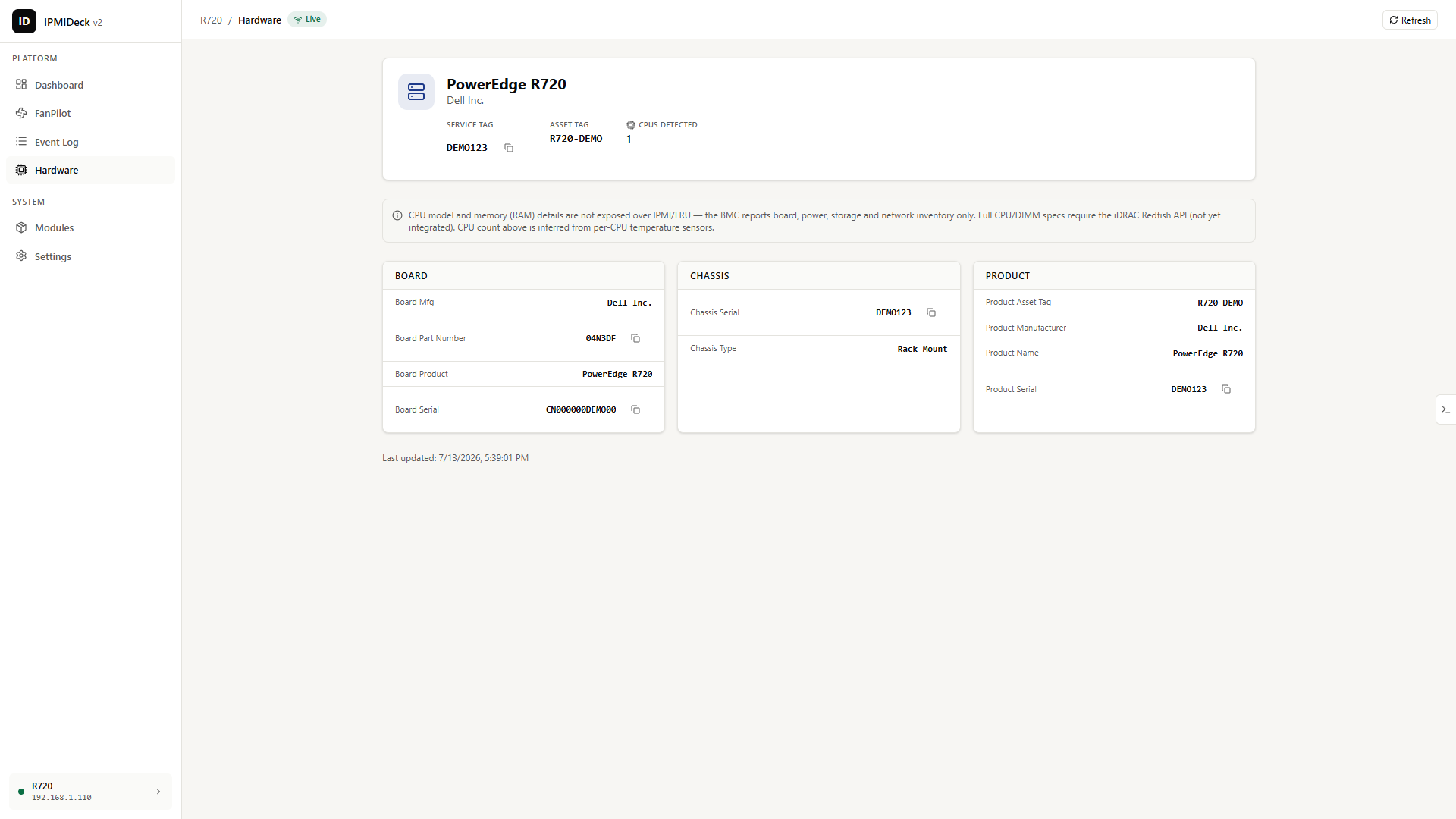
Hardware inventory (FRU)
Know exactly what's racked.
Serials, part numbers, manufacturer and board, chassis and product data pulled straight from FRU.
Password protection
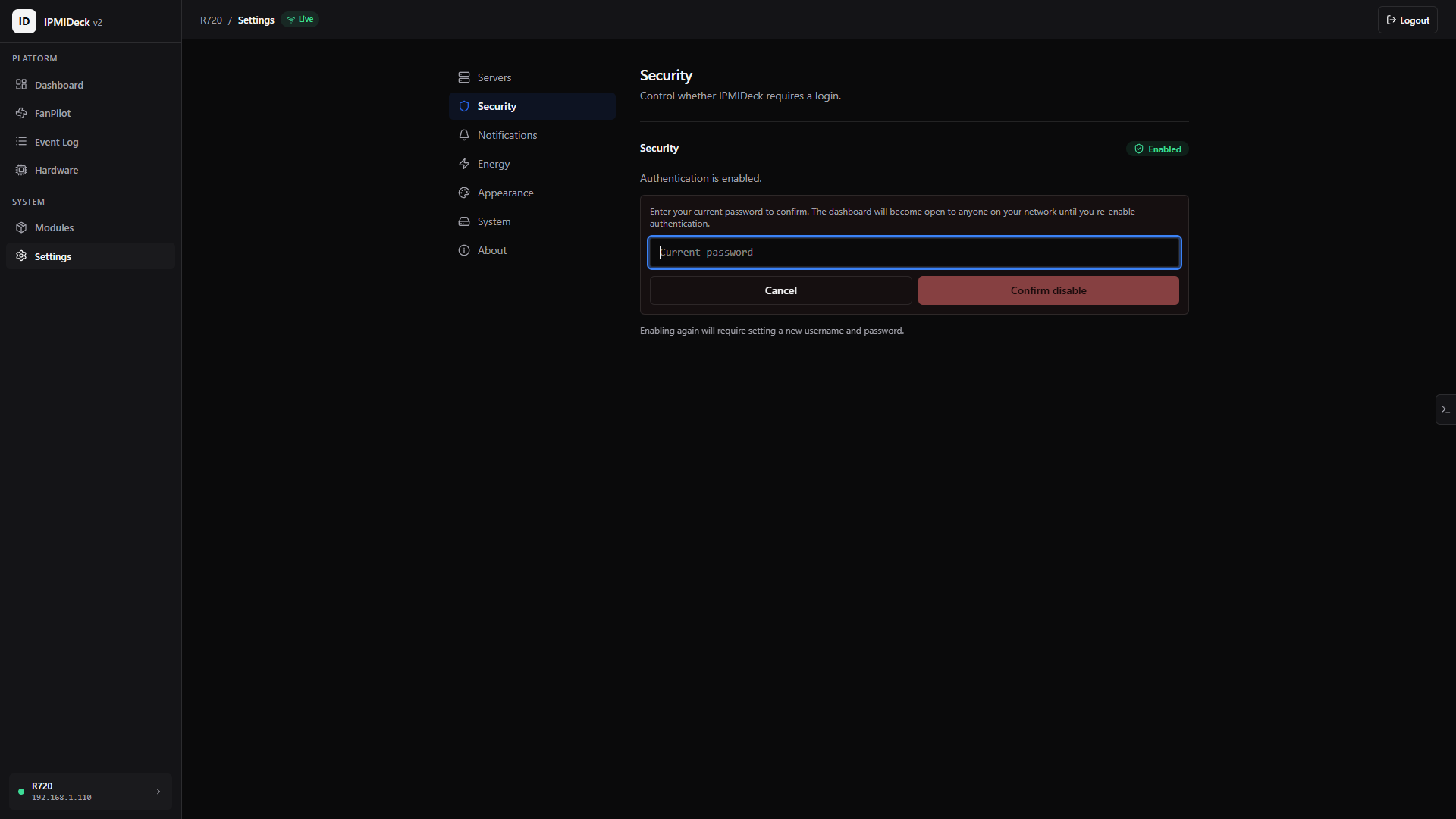
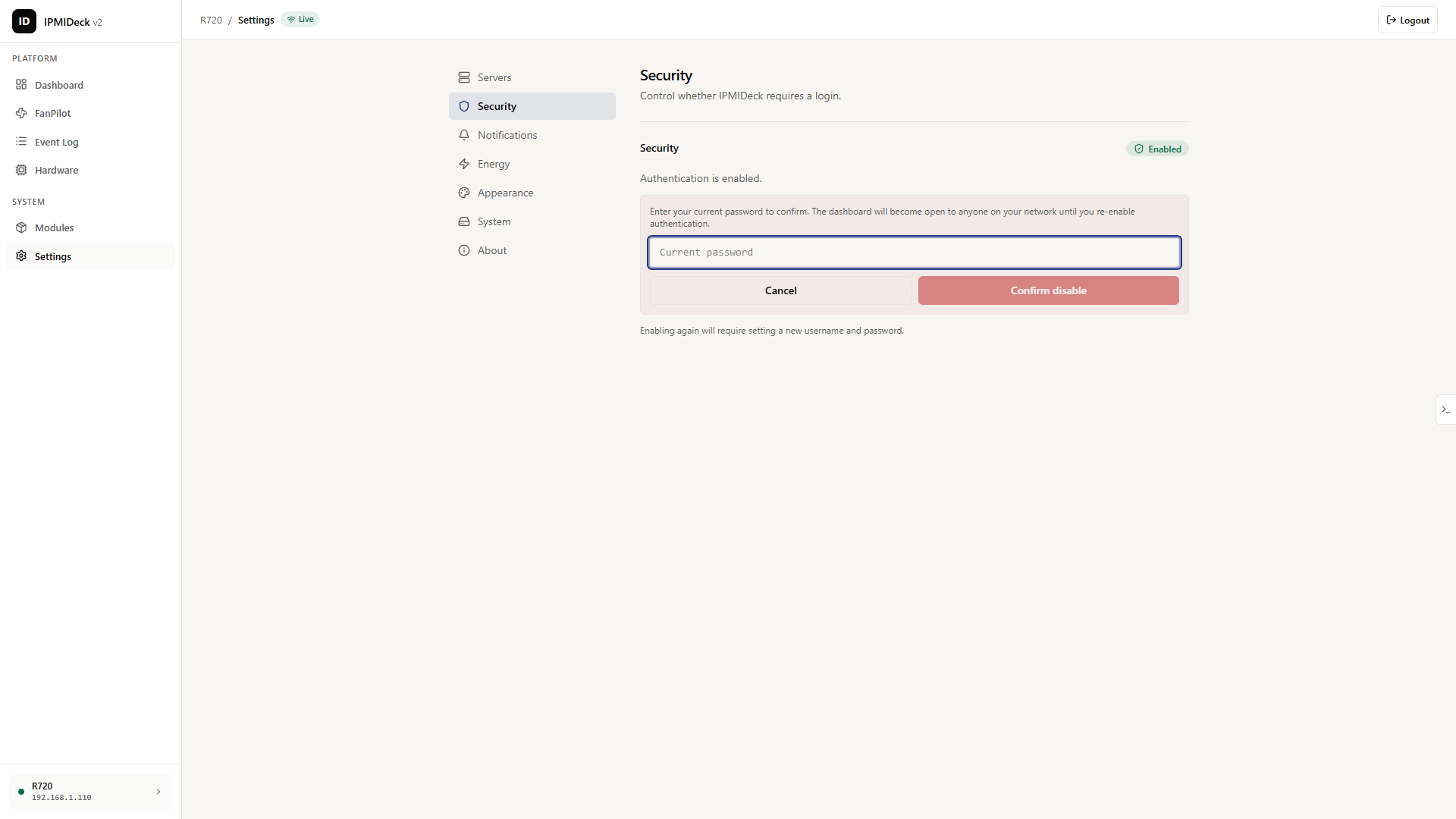
Logins that are actually locked down.
bcrypt-hashed passwords, signed sessions verified on every request, and lockout after repeated failures.
HTTPS
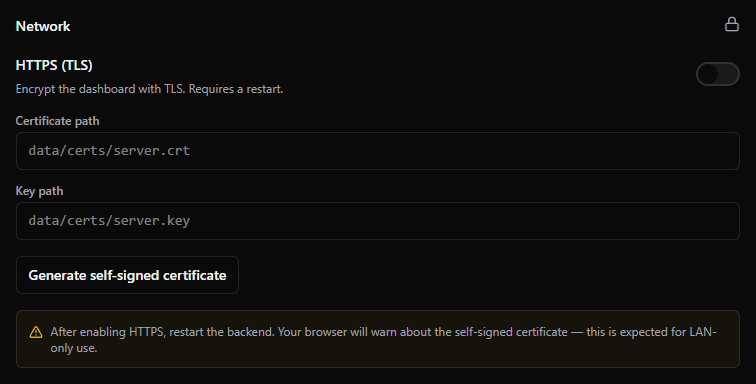
Encrypted end to end.
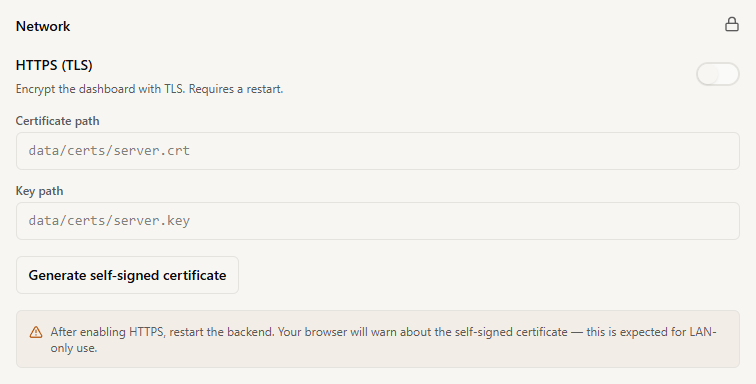
Serve native TLS with a self-signed certificate generated for you, or run behind your own reverse proxy.
Speaks your language
The ipmideck interface ships in twelve languages, so the dashboard reads naturally wherever your rack lives.
- English
- Deutsch
- Français
- Español
- Italiano
- Português
- Nederlands
- Русский
- Polski
- 简体中文
- 日本語
- 한국어
Install
Up and running in one command
Run it with Docker on the host network, or install the package with pip if you already have ipmitool on the box.
docker run --network host devluigi06/ipmideck:latestpip install ipmideckThe pip package requires ipmitool to be installed on the host.